
Select any React UI. Copy AI-ready context.
Anthra Selector captures the element details your coding agent needs: visible text, DOM metadata, accessibility labels, React owner hints, useful props, and source location when React exposes it.
Install link placeholder: replace this CTA when the Chrome Web Store listing is ready.
Start from the page you are already debugging
Press Alt+S, target the UI, and keep your coding flow inside the browser.
Why it exists
Stop describing UI bugs by hand.
Screenshots show appearance. Anthra Selector gives your agent the target, component clues, DOM path, accessibility labels, and action context it can use to edit code with less guessing.
Press Alt+S or open the DevTools AI Selector panel.
Click the React element you want AnthraCode to understand.
Paste the copied context into your coding agent with the task you want done.
Feature grid
Context that survives the jump to your agent.
9 focused capabilities built around React debugging, clipboard handoff, and local inspection.
Element selection
Hover and click the exact UI element you want your coding agent to understand.
AI-ready clipboard
Copies a compact context block instead of a vague screenshot or handwritten description.
React owner hints
Uses local React fiber details to expose owner/component clues when available.
Useful props
Surfaces relevant prop data without forcing you to dig through DevTools manually.
DOM and a11y metadata
Includes tag, path, id, class, role, aria-label, and selected visible text.
Source location clues
Adds file, line, and column data when React exposes debug source metadata.
Alt+S command
Start selection from the keyboard and stay in the debugging flow.
DevTools panel
Use the AI Selector tab to refresh context, select elements, and copy again.
Local privacy model
No remote server receives page content, source details, props, state, or clipboard content.
Walkthrough
Five frames. One click-to-context loop.
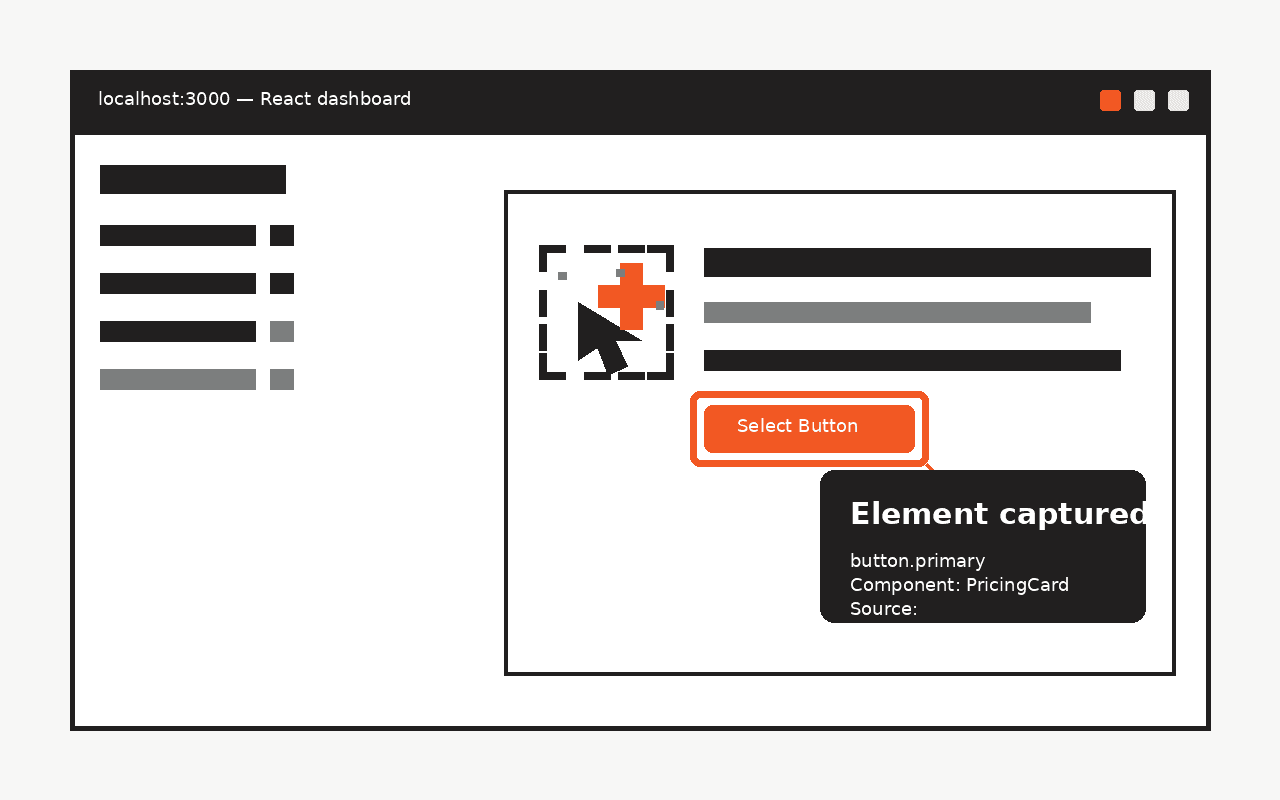
Pick the exact React element
The page overlay makes the selected target explicit before copying context.
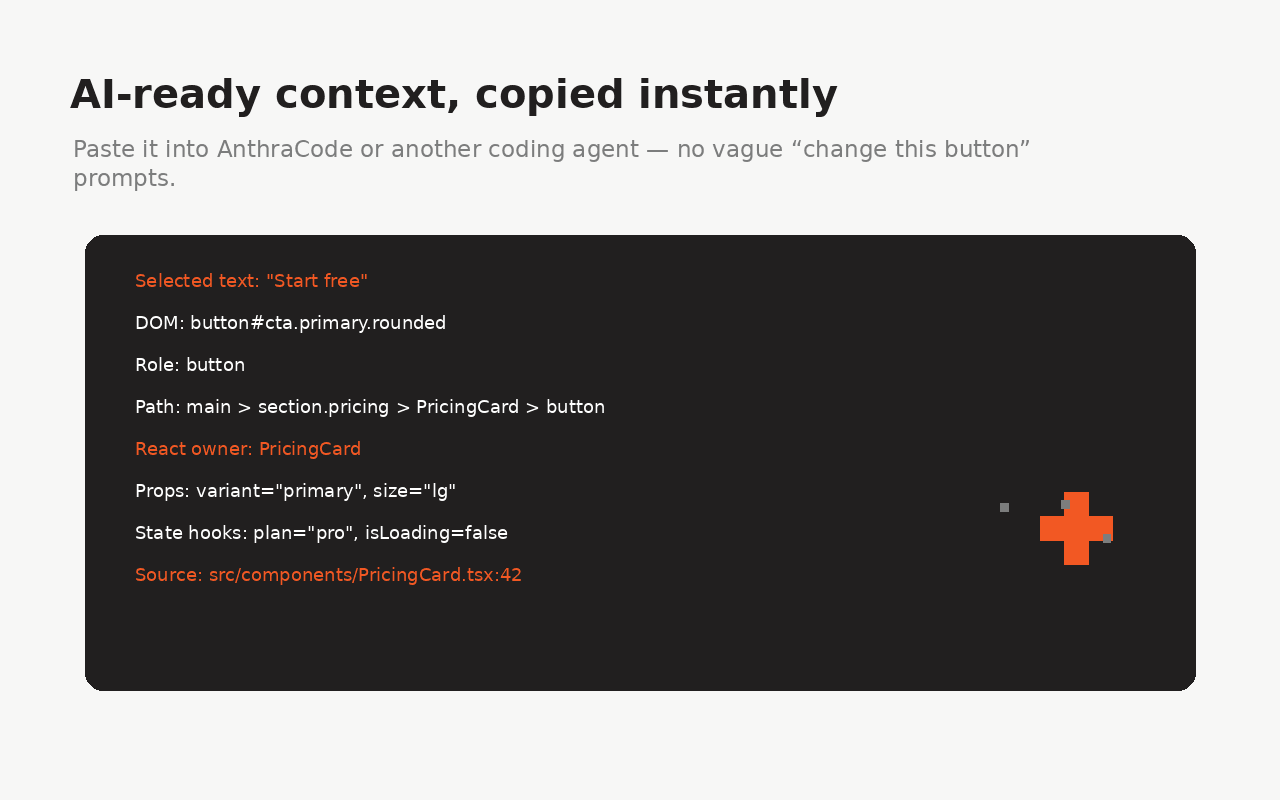
Copy the context an agent can act on
Visible text, DOM metadata, accessibility labels, component hints, and source clues are packaged together.
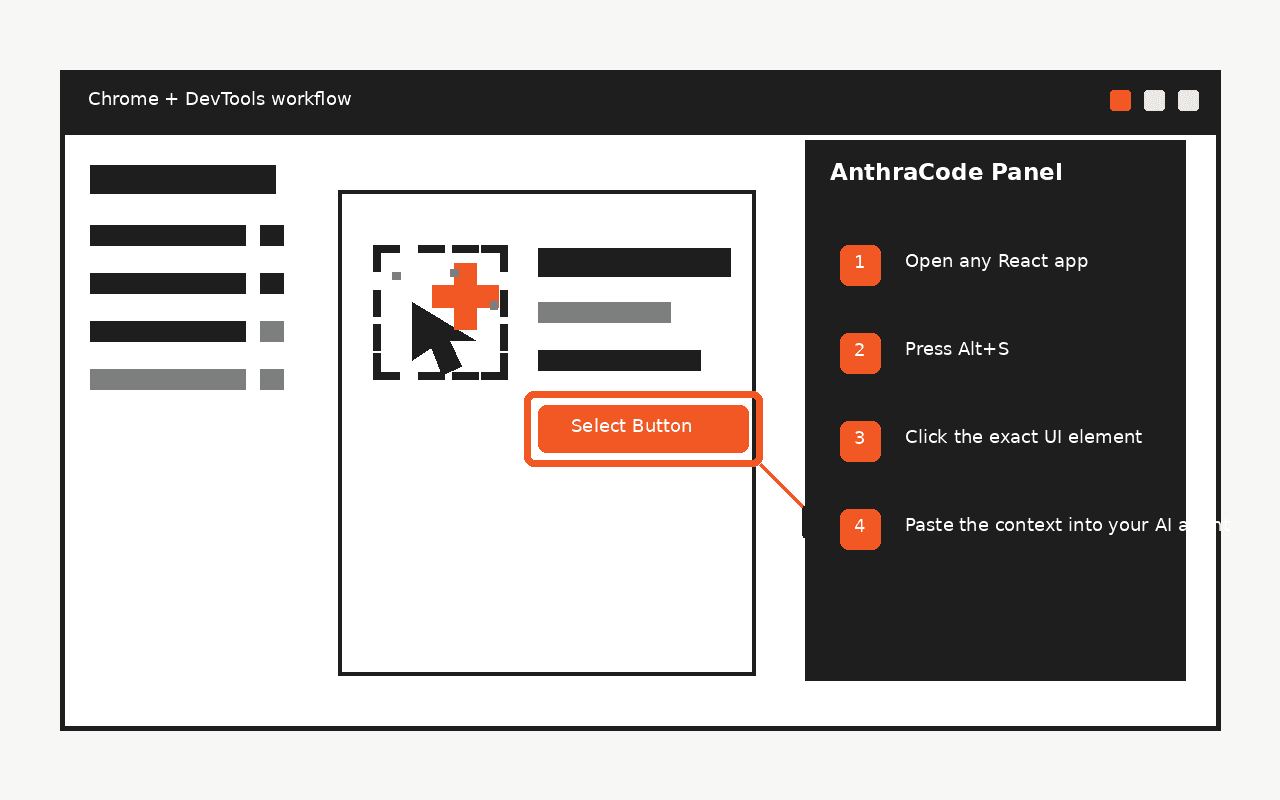
Use the AI Selector DevTools panel
Refresh context, start selection, copy again, and keep React inspection close to DevTools.
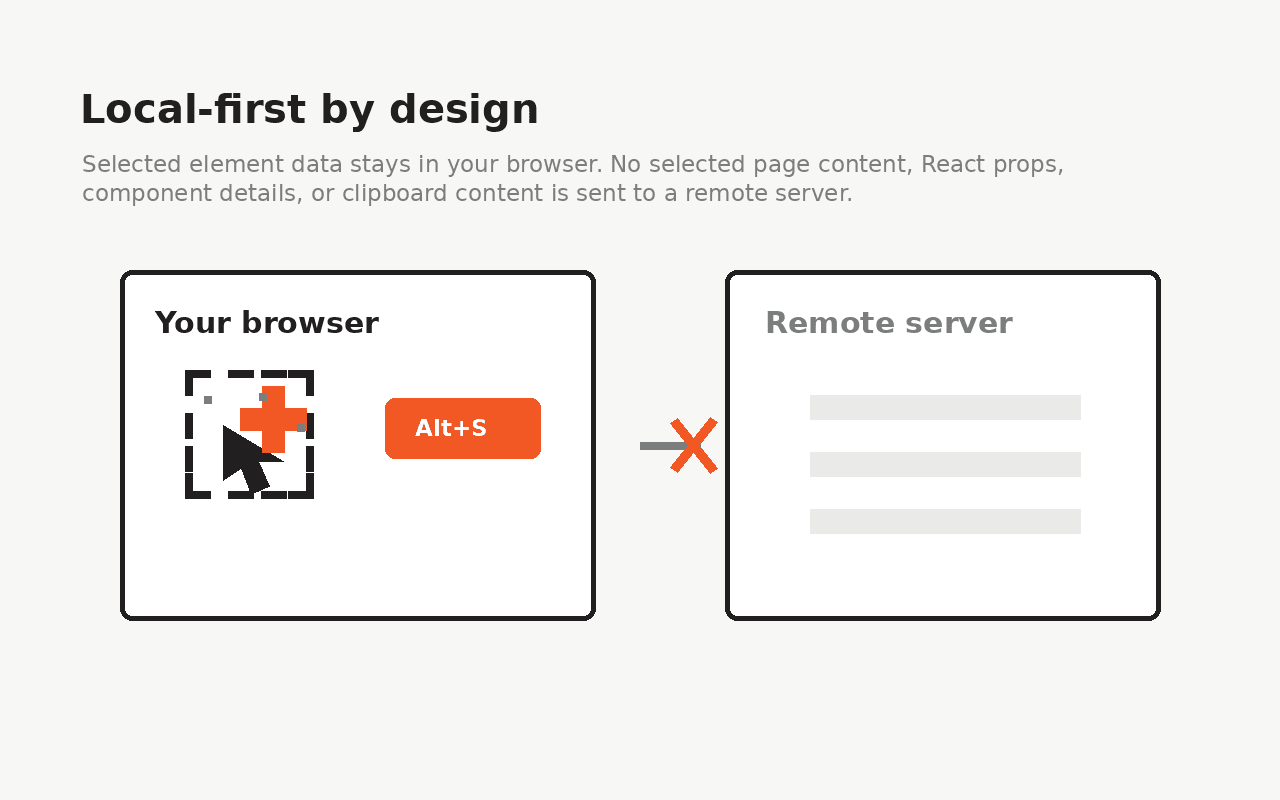
Local-first by default
Page data is inspected locally and copied only after a user action.
Privacy promise
Local inspection, explicit clipboard.
Processing happens in your browser. Anthra Selector does not send page content, source details, props, state, or clipboard content to a remote server.
Read privacy docsRequired so the selector can inspect React apps on any site you choose.
Injects the local React inspection bridge into the inspected page.
Lets the Alt+S shortcut target the active tab.
Retains React DevTools hook settings used by the bundled runtime.
Copies the selected element context for your AI coding workflow.